What is Tiny11, Advantages and Disadvantages of Windows 11 Modified Version
What is Tiny11 – In the midst of increasingly rapid technological developments, not everyone is participating increase devices every year. Many users are still loyal to their old PC or laptop, either because their needs are still sufficient or because they don’t have the budget to buy a new one. The problem is, the newest software often feels heavier, including the operating system. Various alternative solutions have emerged that try to bridge this need. One of them is Tiny11.
What is Tiny11? Super Light Windows 11 Modification
Tiny11 is a modified version of Windows 11 that has been trimmed to make it lighter. This version was not made by Microsoft, but by an independent developer called NTDEV who focused on removing unimportant components from the OS.
In general, Tiny11 still carries the typical modern appearance of Windows 11. However, many built-in features and applications have been removed. Starting from bloatwarecertain background services, to some system components that are considered not too crucial. The goal is that this operating system can run more easily on devices with limited specifications.
Apart from that, Tiny11 also removes some of the installation requirements that are usually quite strict in the official Windows 11. For example, the need for TPM 2.0 or a certain generation of processor. That way, old PCs that were previously incompatible can run this system without significant obstacles.
Advantages of Tiny11
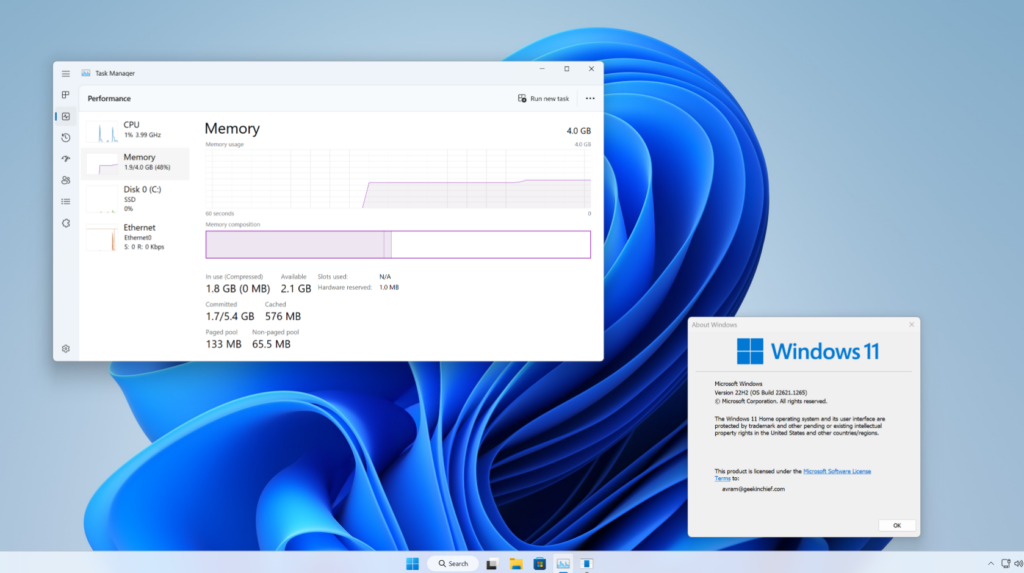
One of the main advantages of this OS version is that its performance is much lighter. This system can run on devices with 2 GB to 4 GB RAM, something that is quite difficult to achieve with the standard version of Windows 11. This makes it suitable for use on older laptops that start to feel heavy if forced to run a modern OS.
Apart from that, storage usage is also more efficient. The installation size is much smaller because many components have been removed from the start. For users with small SSDs or even still using HDDs, this is good news.
Tiny11 also has minimal bloatware. There are no annoying built-in applications, so the system feels cleaner. This way, the impact on performance is immediately felt, because resources are not used up to run services that are not actually used.
Overall performance also feels more responsive. The boot process is faster, opening applications is lighter, and multitasking feels more stable on low specification devices. For daily needs such as browsing, typing or light multimedia, it is more than enough.
Disadvantages of Tiny11

Behind its advantages, Tiny11 has a number of disadvantages that need to be considered. The most important thing is about security. Since this is not an official version, there is no guarantee that the system is completely safe or free from malicious modifications. Users should be extra careful while downloading and using it.
Plus, support renew is also a problem. Tiny11 doesn’t always get regular updates like official Windows. This can make the system vulnerable to security holes or miss the latest features.
Some important Windows features can also be missing or not running optimally. For example, built-in security services or certain features commonly used in the work environment. For casual users it might not be that noticeable, but for serious use it could be a problem.
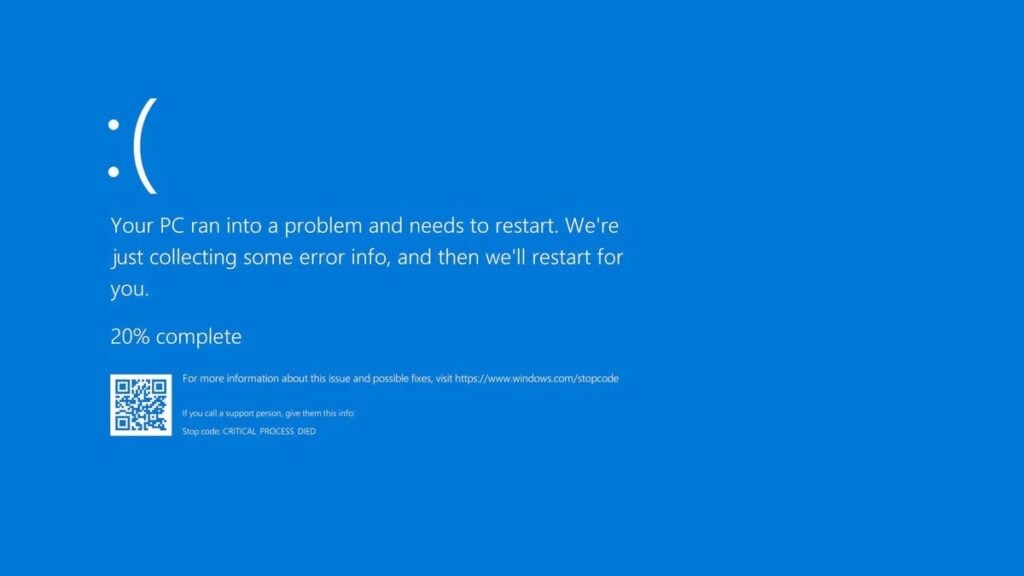
Compatibility is also worth paying attention to. Because the system has been modified, not all applications and drivers are guaranteed to run smoothly. Insect or error can happen, and unfortunately there is no official support to help if a problem occurs.
So, that’s a brief explanation of what Tiny11 is and its advantages and disadvantages. Are you using this OS for an old device? Or do you still use it because you really hate Copilot? Please give your opinion about this.
Get cool information on Gamebrott related to Tech or similar articles that are no less exciting from Andi. For further information and other questions, you can contact us via author@gamebrott.com.
PakarPBN
A Private Blog Network (PBN) is a collection of websites that are controlled by a single individual or organization and used primarily to build backlinks to a “money site” in order to influence its ranking in search engines such as Google. The core idea behind a PBN is based on the importance of backlinks in Google’s ranking algorithm. Since Google views backlinks as signals of authority and trust, some website owners attempt to artificially create these signals through a controlled network of sites.
In a typical PBN setup, the owner acquires expired or aged domains that already have existing authority, backlinks, and history. These domains are rebuilt with new content and hosted separately, often using different IP addresses, hosting providers, themes, and ownership details to make them appear unrelated. Within the content published on these sites, links are strategically placed that point to the main website the owner wants to rank higher. By doing this, the owner attempts to pass link equity (also known as “link juice”) from the PBN sites to the target website.
The purpose of a PBN is to give the impression that the target website is naturally earning links from multiple independent sources. If done effectively, this can temporarily improve keyword rankings, increase organic visibility, and drive more traffic from search results.